
Wallpaper-aware glass
Prism mode bends the wallpaper through the clock, with adjustable lens shape, light bend and refraction.
Learn moreGlass and wallpaper depth for Windows
Make the time part of your wallpaper. Shape a glass, blurred or transparent clock, and let foreground details pass in front of it. Choose your fonts, colors and placement, with depth processing kept on your PC.
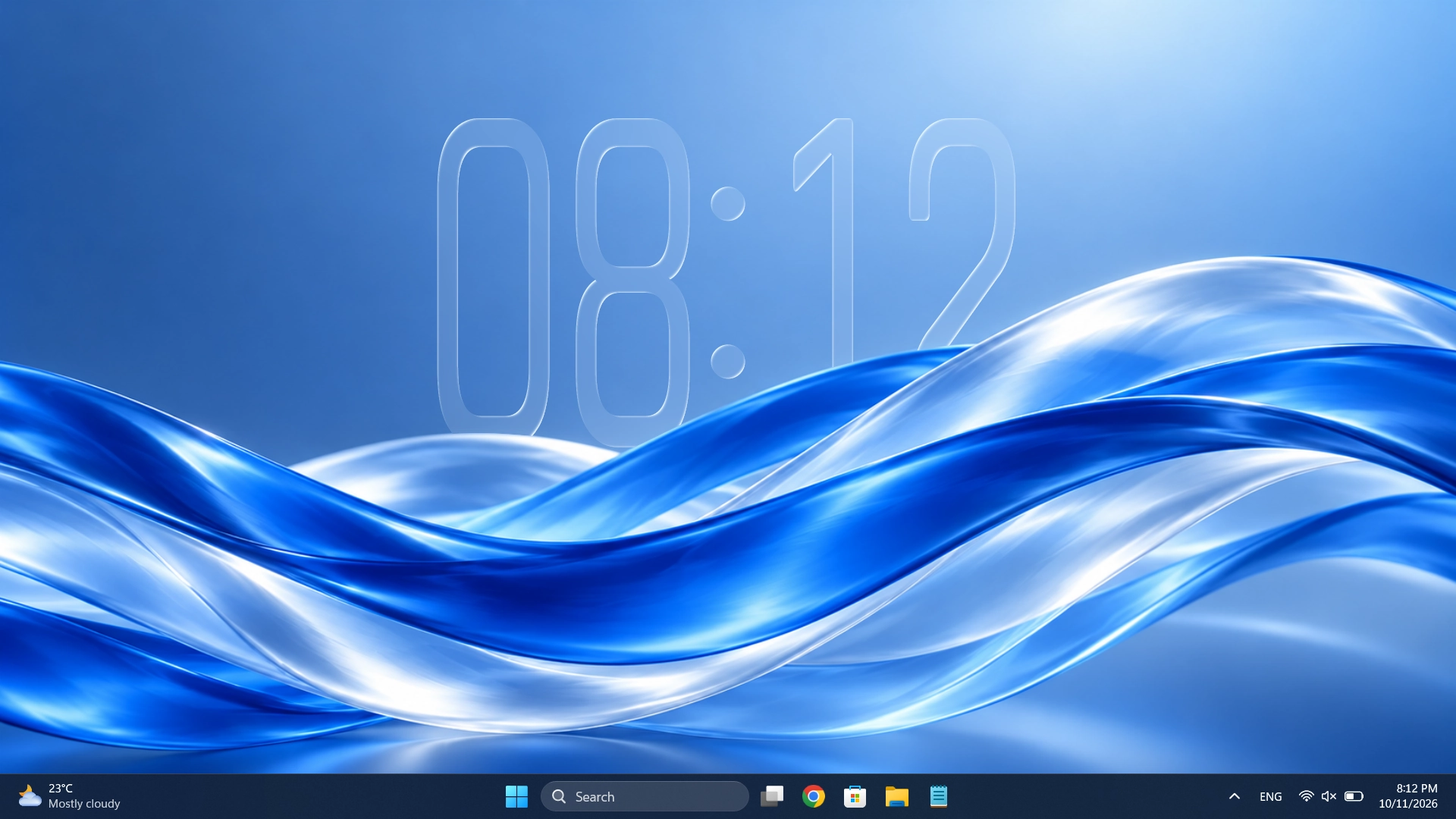
DESIGNED TO DISAPPEAR INTO YOUR DESKTOP — NOT DISTRACT FROM IT
More than a time display
Most desktop clocks simply sit over your wallpaper. DepthTick can refract it like glass and let foreground details pass in front of the time.
See everything you can customizeReal desktop examples
Your wallpaper stays yours. See how the same desktop clock changes with different wallpapers, fonts and effects.
Wallpaper imagery in example scenes is shown only to demonstrate the product.
The essentials
Everything that makes a good desktop clock, and the controls that make it your clock.
Prism mode bends the wallpaper through the clock, with adjustable lens shape, light bend and refraction.
Learn moreStart with Layered Mode for scene depth, try Object Mode for a distinct subject, or enable 2D Art for complex illustrations.
Learn moreUse almost any installed Windows font, change height and size, and choose 12/24-hour display.
Learn moreTune fill, edge light, opacity, blur, shadow and per-part colors instead of choosing a preset.
Learn more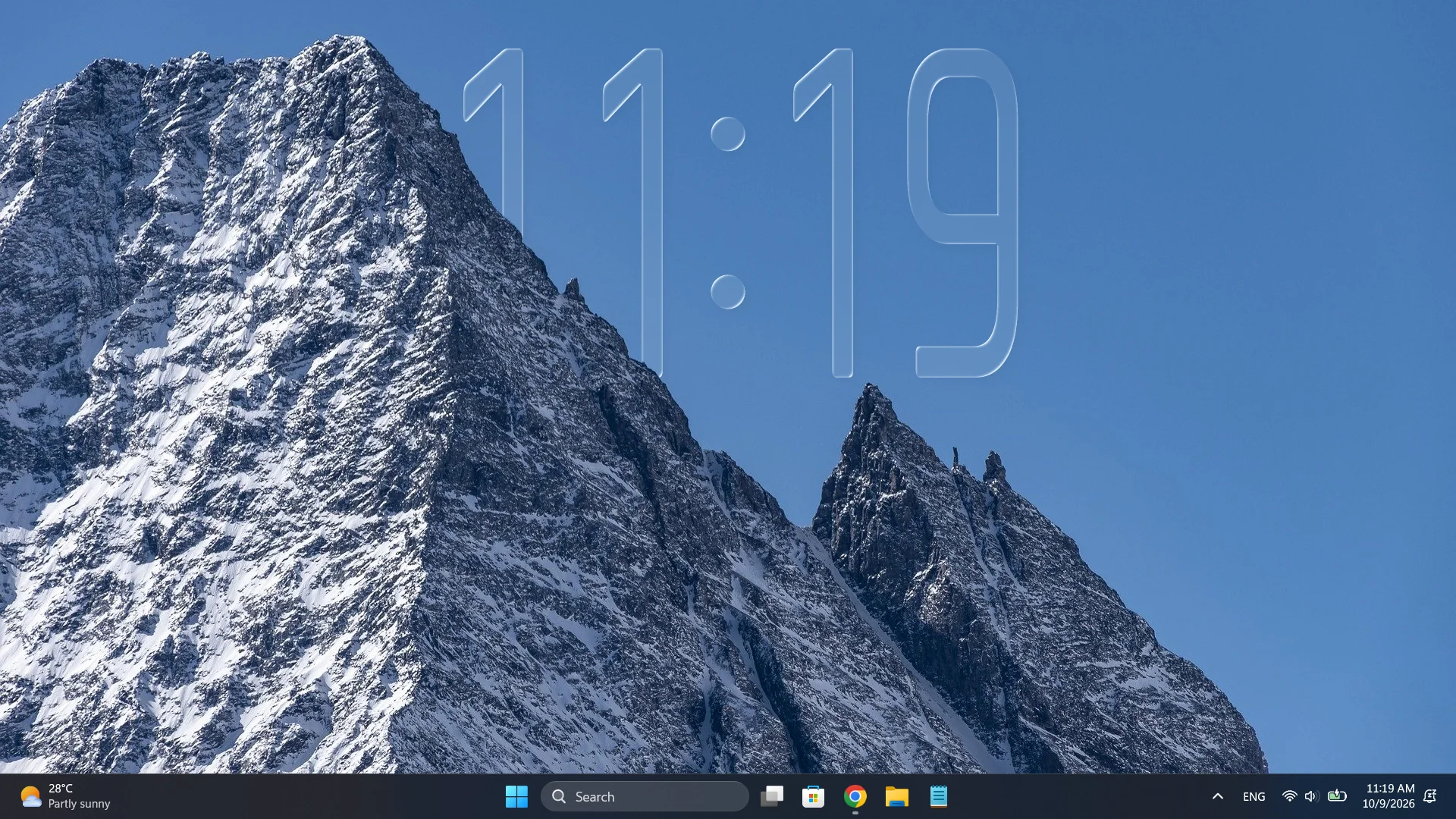 DEPTH EFFECT / IN ACTION
It is not just an overlay
With Depth Effect, your wallpaper’s foreground can sit in front of the clock. Mountains, people, cars and more become part of the composition.
Make it personal
Choose the bundled Rajdhani family or almost any Windows font. Stretch the clock taller, move it anywhere, and color individual time elements.

Stay out of the way
Click Through lets mouse clicks reach the desktop underneath without hiding the clock. Use the tray icon to open Settings or change the click-through setting.
Open Settings with a click on the tray icon. Turn Click Through off whenever you want to drag the clock again.
Built for your PC
Depth processing happens locally. Once generated, depth masks are cached for normal use. Resource usage depends on your system and wallpaper.
The next look is yours
One clock. Your wallpaper. A look that feels completely your own.